
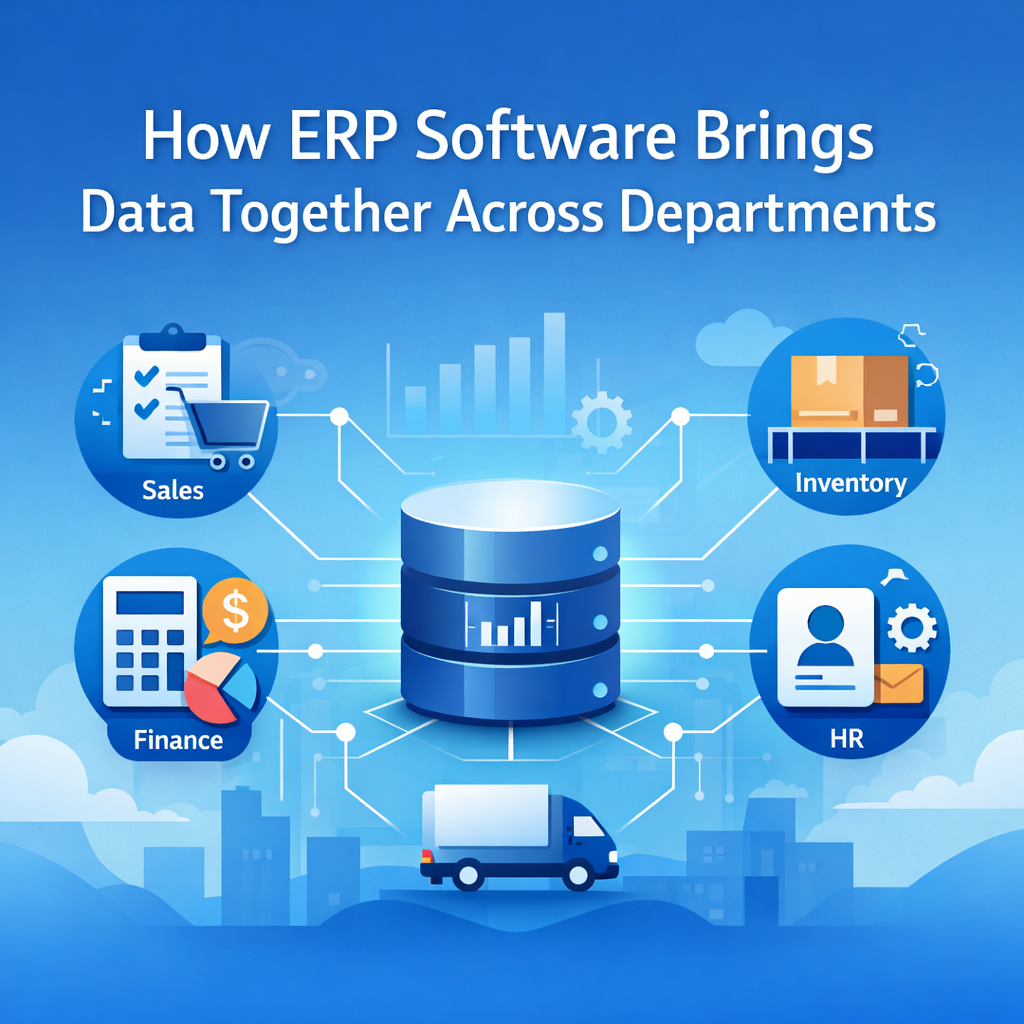
How ERP Software Brings Data Together Across Departments
Every business eventually reaches a stage where basic questions no longer have clear answers. Sales reports one figure, finance has another, inventory shows something else, and HR works on its own set of records. Nothing is officially broken, yet the business feels slow, fragmented, and hard to manage.
This usually happens because information is spread across too many systems. Spreadsheets, emails, accounting software, CRMs, and manual records all store parts of the picture. ERP Software fixes this by pulling everything into a single system, allowing the business to operate as one connected whole instead of isolated teams.
What Centralized Data Means in ERP Software
Centralized data means that all business information lives inside one ERP system rather than being scattered across multiple tools. Every department works with the same data, updated instantly, with access controlled by user roles.
When a sales order is entered, finance sees it right away. Inventory adjusts automatically. Operations know exactly what needs to be delivered. No one has to ask for updates because everyone is viewing the same information.
This shared structure removes uncertainty and keeps teams aligned.
Why Department Data Becomes Disconnected
Data usually breaks apart as companies grow. Each department adopts tools to solve immediate needs. Sales uses a CRM, finance relies on accounting software, inventory tracks stock separately, and HR manages employee details in files.
These systems rarely communicate properly. Information gets copied manually. Reports stop matching. Teams spend more time verifying numbers than taking action.
ERP Software replaces this patchwork with one platform that connects every department.
How ERP Software Moves Data Between Teams
ERP Software is built around a single central database connected to different modules. Each department works within its own space, but all information flows through the same system.
When sales confirms an order, inventory updates instantly. Finance records revenue without re entering data. Operations receive delivery details automatically.
All of this happens as part of normal daily work, without manual syncing or extra steps.
How Real Time Data Improves Daily Operations
Real time data updates the moment an action occurs. ERP Software refreshes records instantly.
Sales can check current stock before confirming an order. Finance tracks payments as they happen. Managers see live performance instead of outdated summaries.
This allows teams to respond faster and avoid errors caused by old or incomplete information.
How ERP Software Cuts Errors and Duplicate Work
Entering the same data in multiple systems increases the risk of mistakes. Even small errors can ripple across departments.
ERP Software allows information to be entered once and used everywhere. Customer details, product data, supplier records, and employee information stay consistent across the system.
Cleaner data saves time and builds confidence in reports.
How Centralized Data Improves Team Coordination
When everyone works from the same data, coordination becomes much easier.
Sales understands realistic delivery timelines. Inventory plans stock based on actual demand. Finance tracks costs and income without chasing updates. HR aligns hiring plans with real operational needs.
ERP Software reduces unnecessary back and forth and keeps teams focused on meaningful work.
How ERP Software Improves Reporting and Visibility
ERP Software generates reports from a single source, keeping numbers consistent across departments.
Sales reports match finance figures. Inventory reports reflect real stock levels. Management dashboards present a clear picture of the business.
This makes planning and decision making more straightforward.
How ERP Systems Keep Data Secure
Centralized data stays protected through role based access. Users only see information relevant to their responsibilities.
Finance data remains restricted. HR records stay private. Operations teams manage inventory and workflows securely.
Managing security becomes simpler when everything is housed in one system.
When Businesses Typically Move to ERP Software
Companies usually adopt ERP Software when reporting slows down, errors increase, or teams depend heavily on manual coordination.
Common signs include mismatched figures, repeated data entry, delayed decisions, and difficulty tracking real time performance.
Moving to ERP earlier helps prevent these problems from growing larger.
How ERP Software Supports Business Growth
As a business grows, data volume increases quickly. More employees, transactions, and processes put pressure on disconnected systems.
ERP Software scales smoothly. New users and departments can be added without disrupting data flow. All information remains connected.
This keeps operations stable as the business expands.
Long Term Benefits of Centralized ERP Data
ERP Software standardizes how data is recorded across departments and brings structure to workflows.
Historical data remains organized, supporting audits, forecasting, and long term planning. With everything in one system, identifying trends becomes easier over time.
These advantages grow stronger as the business continues to evolve.
Conclusion
Disconnected data slows businesses down in ways that are easy to notice but difficult to fix. ERP Software solves this by bringing every department into a shared system where information flows smoothly and decisions become clearer.
If your teams spend time reconciling numbers, chasing updates, or correcting errors, it may be time for a better approach.
FINAC ERP helps businesses centralize data, align departments, and regain control of daily operations. Take a closer look at how FINAC ERP can simplify your processes and support your next stage of growth.